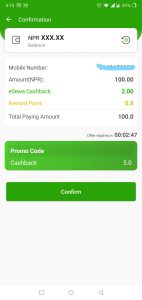
With our promo code feature, eSewa users can now enjoy additional cashback and discount offers. Have your received promo code from eSewa?
[Note: You can find the list of promo codes you have received inside eSewa app`s offer section.]
How to redeem Promo Codes you received upon registration?
1. Open eSewa.
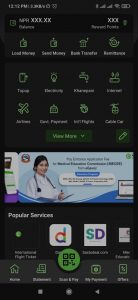 2. Go to "Offers" Tab.
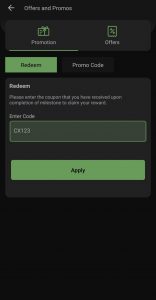
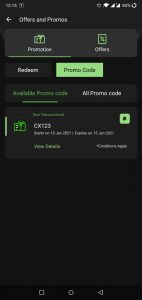 3. Enter the promo code in the "Redeem" section and click "Apply".
 Are you wondering how to use the promo codes while doing transactions? Follow these simple steps:
2. Go to "Offers" Tab.
3. Enter the promo code in the "Redeem" section and click "Apply".
Are you wondering how to use the promo codes while doing transactions? Follow these simple steps:
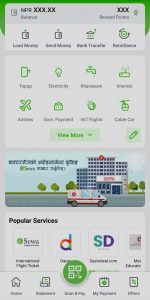
- Login to your eSewa app and choose the desired feature.
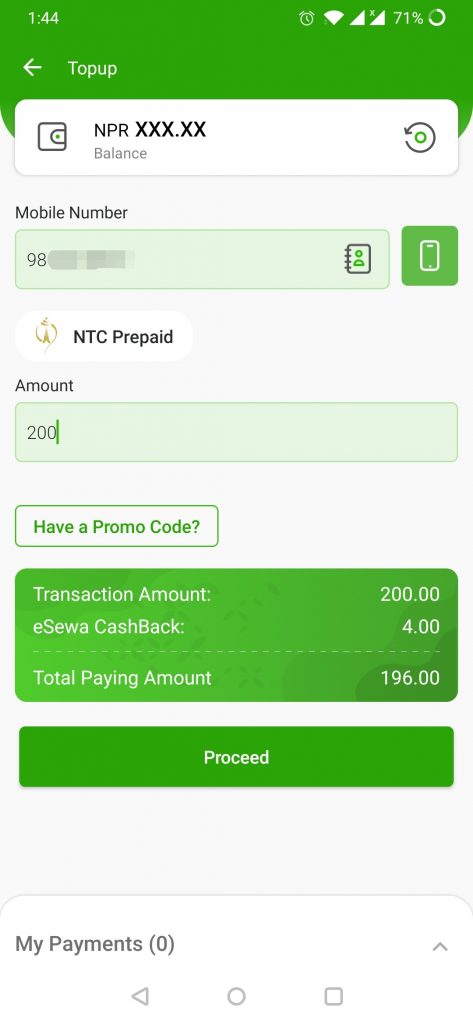
- Enter the payment details.
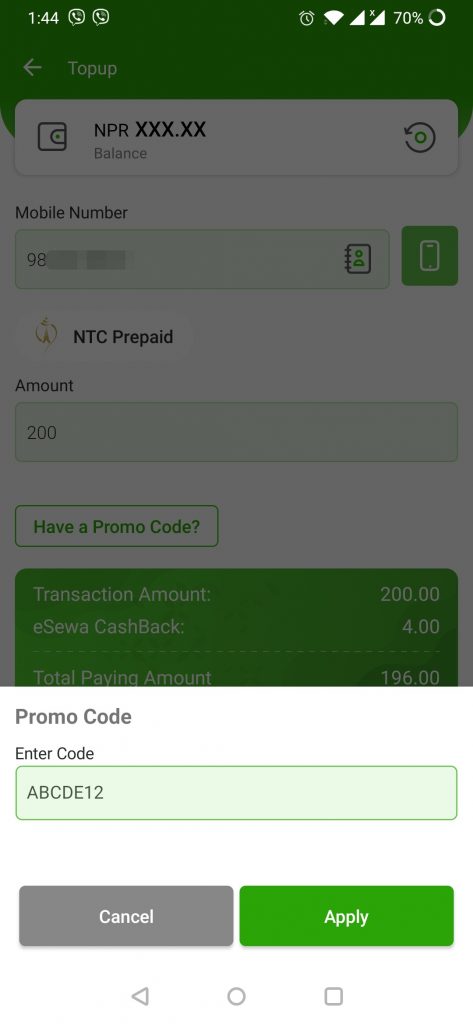
- Click on "Have a promo code?" and enter the received promo code.
- Check details and tap on confirm.
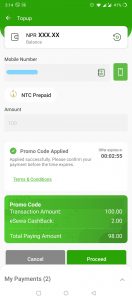
- Enter your MPIN to complete the transaction.