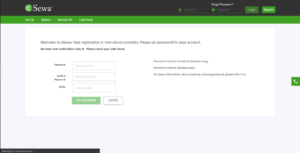

To register in eSewa:
To get registered in eSewa you need to have Nepali SIM cards from Service Providers.
For Mobile:
Step 1: Visit Play Store for Android phones and the App Store for iPhones and Search eSewa and Download the app on your phone. Step 2: Open eSewa App. Step 3: Tap on Login/ Register 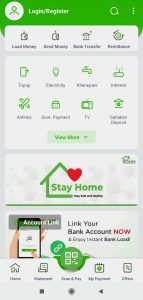 Step 4: Tap on Register for Free.
 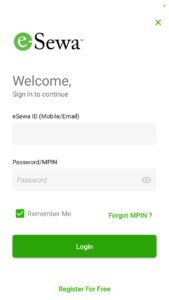 Step 5: Enter your Mobile Number, Full Name, Gender and click on agree on "I accept Terms & Conditions & Privacy Policy".
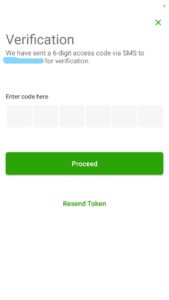
 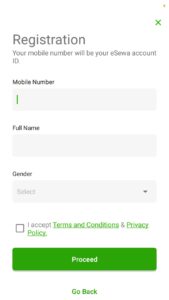 Step 6: You will get a verification code through SMS.
  Step 7: Now Create your MPIN.
 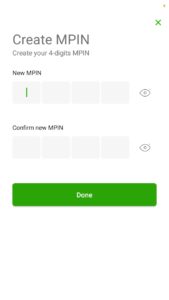 Step 8: Your eSewa registration process is now Complete.
For Web:
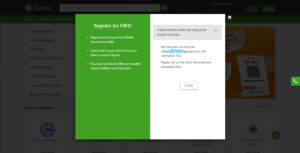
Step 1: Visit eSewa Site. 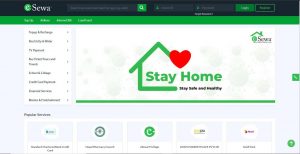 Step 2: Click on Register. Step 3: Enter your Email Address and Mobile Number. Step 4: Click to agree on Terms and Conditions and "I am not a robot".
 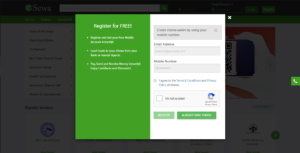 Step 5: Verification Link has sent in your email.
  Step 6: Open your Email Step 7: Open eSewa User Activation mail and Click on the link to get register in eSewa.
 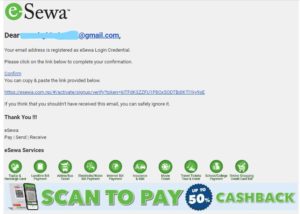 Step 8: Now Create your Password and MPIN.