
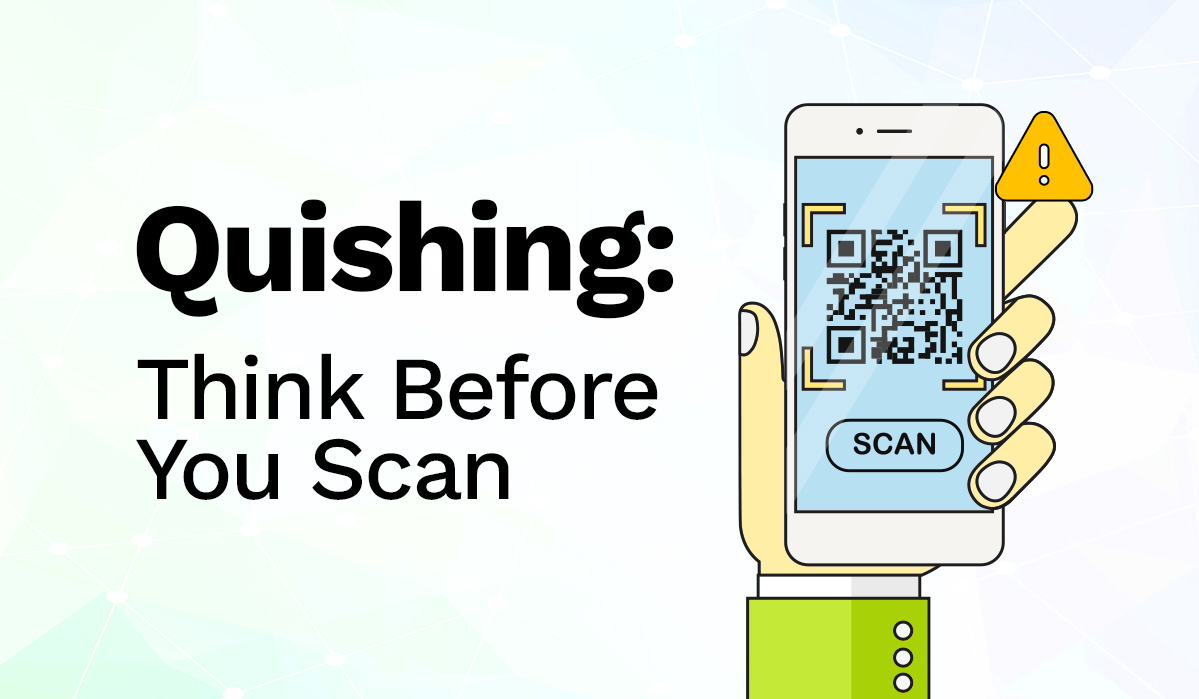
QR codes have made everyday life easier. From making payments and accessing services to viewing menus and offers, a quick scan can connect you to almost anything.
But convenience can also create opportunities for scammers.
One such threat is quishing, a form of phishing that uses QR codes to direct people to fake or malicious websites. Understanding how quishing works and knowing what to look for can help you stay safer every time you scan.
What is Quishing?
The word quishing combines QR code and phishing.
In a typical quishing scam, a fraudster creates a QR code that leads to a fake website. The website may look like a legitimate service and may ask you to enter sensitive information such as login credentials, card details, passwords, or other personal information.
Unlike a regular link, a QR code does not immediately show you where it will take you. That makes it especially important to pause and check before you scan.
Why Should You Be Careful?
QR codes have become so familiar that we often scan them without a second thought.
They can appear in emails, messages, PDFs, posters, advertisements, event notices, or physical locations. Scammers can also place a fake QR code over a legitimate one to make a malicious code appear trustworthy.
For digital payments, one simple habit can make a big difference: Pause and check before you pay.
Using QR Payments? Check Before You Confirm
QR payments are designed to make payments quick and convenient. But speed should never come at the expense of a quick security check.
When making a QR payment through eSewa or any digital payment platform:
- Check the Source
Make sure you know where the QR code came from. Be cautious with unexpected QR codes or codes provided by someone you do not know or trust.
- Check the Payment Details
Before confirming a payment, check the recipient and other payment details shown on your screen. Make sure they match the person or business you intend to pay.
- Don’t Let Anyone Rush You
Be cautious if someone pressures you to scan or complete a payment immediately. Take a moment to verify the details first.
- Never Share Sensitive Information
A QR code that takes you to a page asking for your password, OTP, banking information, or other sensitive details should raise a red flag.
A few seconds of checking can help prevent a costly mistake.
How to Spot a Suspicious QR Code
There is not always an obvious sign that a QR code is malicious. However, some situations deserve extra attention.
- An Unexpected QR Code
Be cautious if a QR code arrives unexpectedly through an email, message, document, package, or social media post.
- An Urgent Request
Messages asking you to “scan now” or warning that your account, payment, or access will expire can be common social engineering tactics.
- A Changed or Covered QR Code
If a QR code at a public location looks like a sticker placed over another code, don’t scan it without verifying its source.
- An Unfamiliar Website
After scanning, check the website address before entering any information. Misspellings, unusual domains, or an address that does not match the organization you expected are reasons to stop.
What If You Already Scanned a Suspicious QR Code?
If you scan a QR code and the resulting page looks suspicious, don’t enter any personal, login, or payment information.
Close the page and verify the request through the organization’s official website or app.
If you have already shared sensitive information, act quickly. Secure the affected account and contact the relevant financial institution or service provider through its official channels.
If you believe you have made a fraudulent payment, report it to the relevant payment service as soon as possible.
Stay Aware. Scan Smart.
QR codes are a simple way to connect the physical and digital worlds. As digital payments become an increasingly important part of everyday life, QR codes will continue to be part of how we pay, access information, and use services.
The answer is not to stop using QR codes. It’s to use them thoughtfully.
Whether you’re scanning a QR code to make a payment, access information, or explore an offer, take a moment to pause, check, and verify.
At eSewa, we believe a better digital experience is about more than convenience. It’s also about helping you make informed and secure choices.
Scan smart. Check before you confirm. Stay safe.